
Knowledge
How to tell if your website is outdated: 7 concrete signs
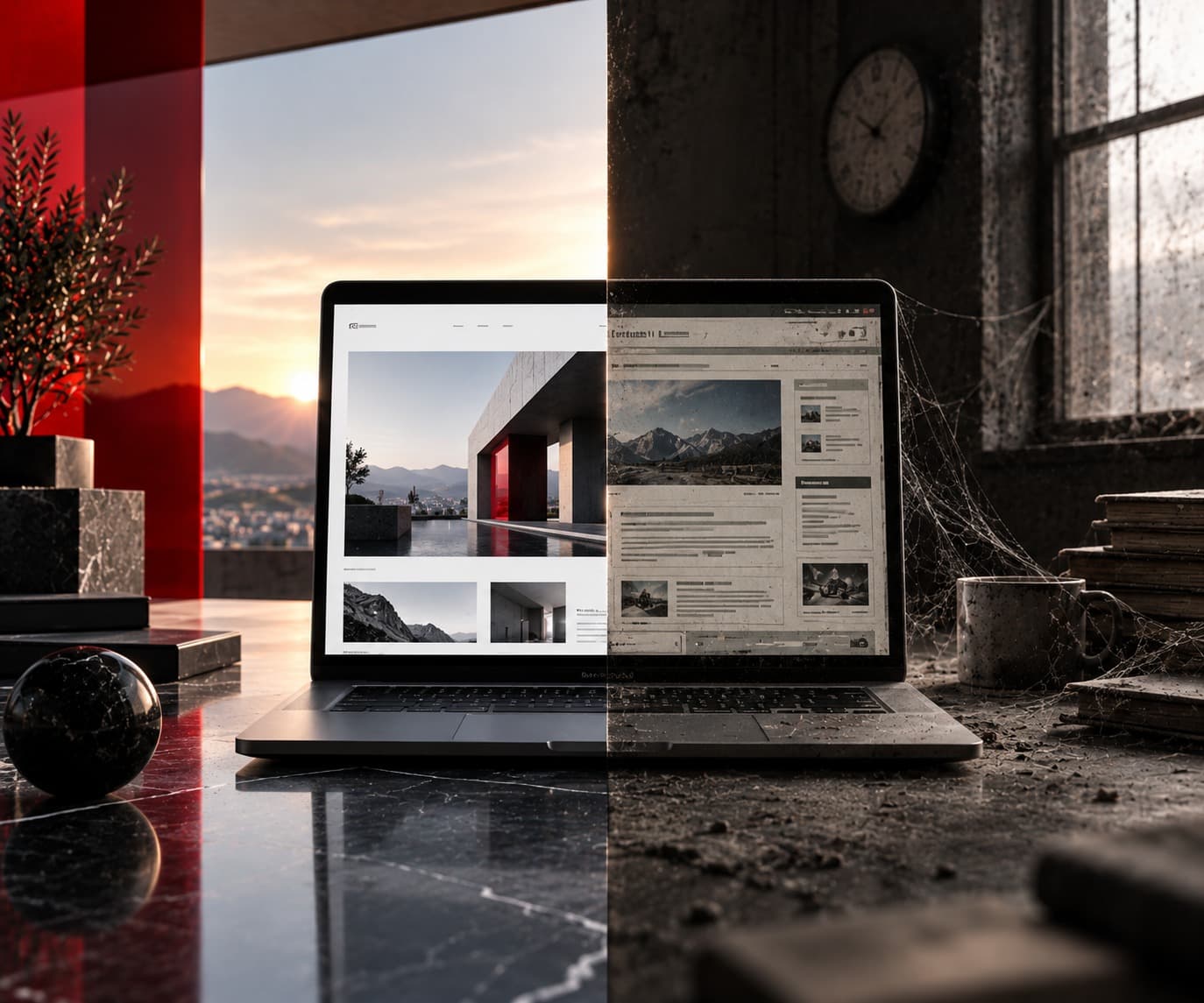
"Outdated" isn't a feeling — it's something you can pin down to specific points. These seven signs can be checked yourself in a few minutes, no technical background required.
1. It doesn't feel like "the real site" on a phone
Most visitors arrive on mobile devices today. If text is tiny on a phone, horizontal scrolling is needed, or buttons are hard to tap, that's not a minor detail — it's the first thing new customers see of you.
A simple test: open your own website on your phone and try, without zooming, to read the key content and find a way to contact you. If that's awkward, it's probably just as awkward for your visitors.
2. Load time feels noticeably slow
If you notice yourself waiting for content to appear on your own website, that's a technical warning sign, regardless of how the design looks. Common causes include uncompressed images, an outdated technical foundation, or hosting that can't keep up with today's requirements.
3. The design visibly follows an older trend
Certain visual patterns can be dated at a glance — small stacked text blocks, outdated font pairings, playful gradients without a clear structure. Design is subjective, but "dated" is objectively recognisable the moment you place it next to a current website.
A useful comparison: look at two or three websites from companies you personally consider modern and trustworthy. The difference in first impression is usually immediate, even without a design background.
4. Content is visibly outdated
A legal notice with the wrong year, services that no longer exist, or a "recent" project from a different era — all of this signals to visitors that the site isn't maintained, even if the business itself is active.
5. The structure doesn't explain itself
If visitors need several clicks to figure out what you actually offer or how to contact you, that's a structural problem, independent of the visual design. A good rule of thumb: the most important information should be clear within seconds on the homepage, not after several clicks through a menu.
6. There's no clear call to action
A modern website leads visitors toward a clear next step — enquire, book, get in touch. If that step is missing or buried, the site loses impact regardless of how it looks.
7. You wouldn't want to show it to anyone yourself
That's not a technical criterion, but an honest one: if you hesitate to show your own website to potential customers, that's often the clearest signal of all.
What this means for you
One or two of these points usually aren't reason enough for a full relaunch — targeted adjustments are often enough. But if several apply at once, that's a clear signal the website no longer matches your business's current level.
One thing worth noting: a relaunch doesn't automatically mean starting from zero. Existing content, images and structural ideas can often be carried over sensibly — the actual relaunch then focuses mainly on design, technology, and how that content is presented.
Several of these apply to you?
Show us your current website — we'll tell you what a relaunch could look like.